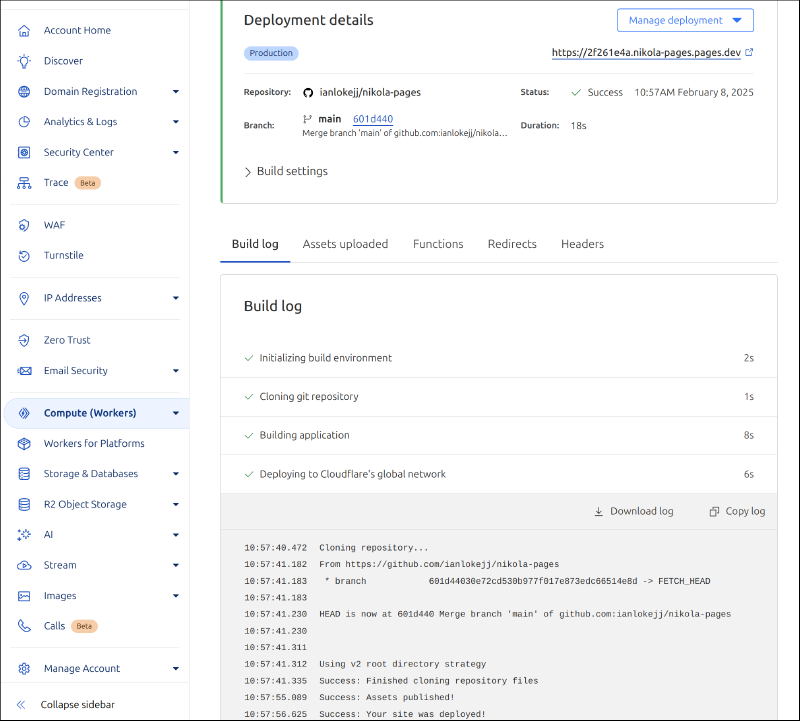
This site is built on Nikola and deployed on Cloudflare Pages. Being a static site generator, you are able to deploy your Nikola site to Pages by following the Static HTML Guide.
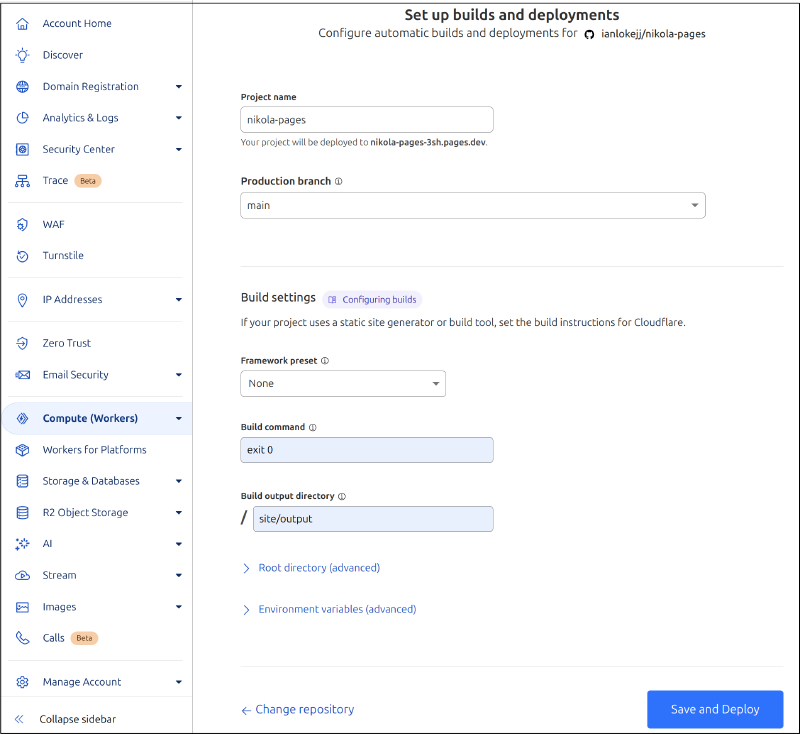
As an example, here is an example of Cloudflare Pages settings for a Nikola site hosted on a Github repository.
Under the Build settings section, do the following:
Framework preset = None
Build command = exit 0
Build output directory = SITE/output
NOTE that SITE is the <directory_name> containing all your Nikola site assets.
Leave the rest as default and click Save and Deploy.
By default, Pages will automatically trigger a deployment any time you commit and push your code to your Github repository.